|
||||||
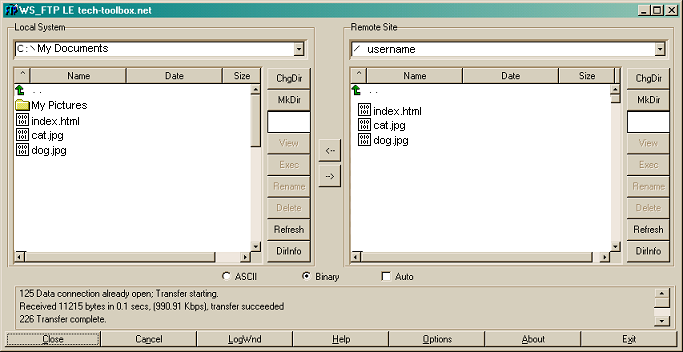
Once the passive transfer setting has been changed, disconnect by clicking the 'Close' button. It will then turn into a 'Connect' button. Click it and try again. In many cases the firewall will not present any further problems. To return to the tutorial list click the 'Next' button below the screenshot.
|
||||||
|
Powered by quick2host.com |
||||||